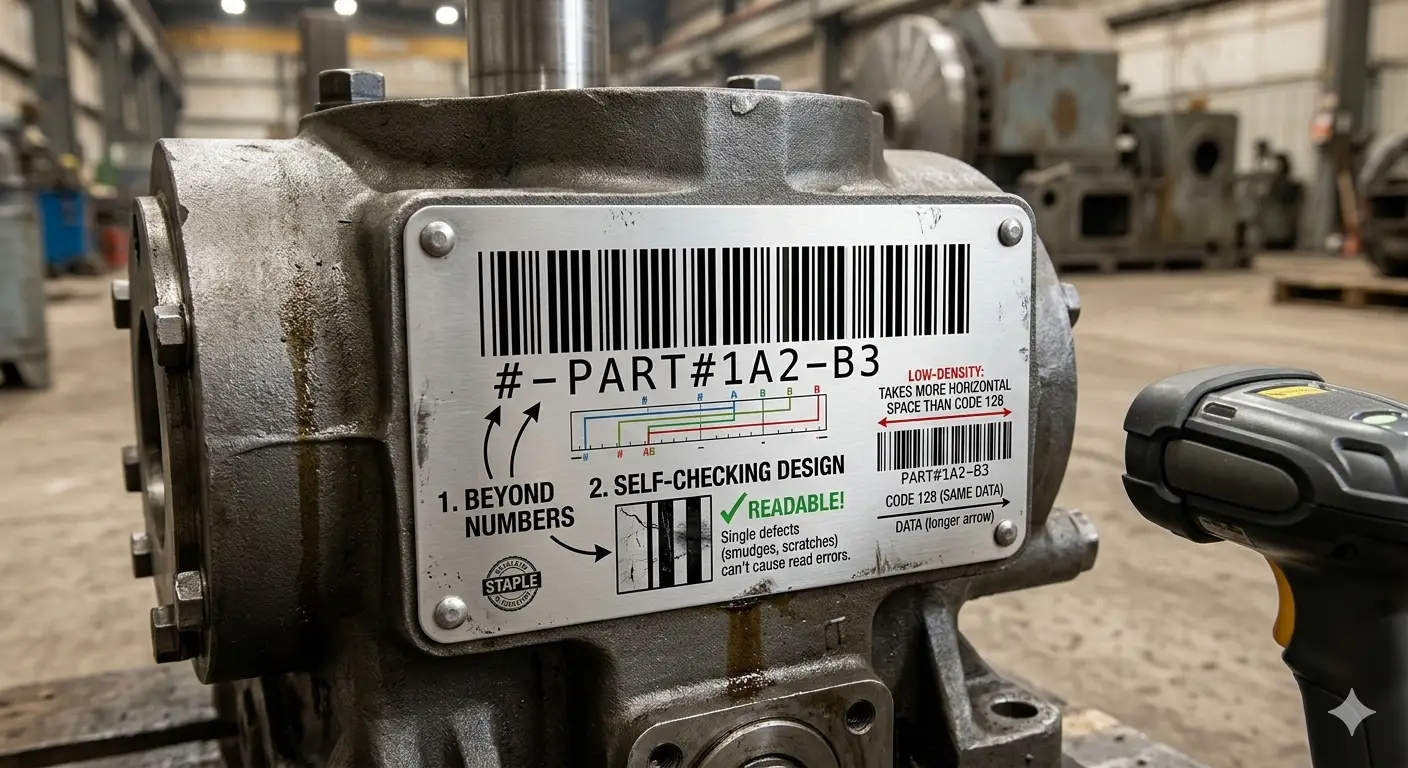
Industrial legacy
Code 39 Spec: Charset, Asterisks, Density & Mod-43
Code 39 remains common on older shop-floor systems, asset tags, and environments that never migrated to Code 128. It is discrete, self-checking at the character level, and deliberately simple -- at the cost of width.
Generate Code 39Allowed charset (basic Code 39)
Standard Code 39 encodes exactly 43 data characters plus the start/stop asterisk. Lowercase letters are not part of basic Code 39 -- normalize or switch to Code 128 if your WMS emits mixed case.
| Group | Characters |
|---|---|
| Digits | 0 1 2 3 4 5 6 7 8 9 |
| Letters | A-Z (uppercase only) |
| Symbols & space | - . space $ / + % |
| Start / stop | * (usually omitted from keyboard-wedge output) |
Asterisks and wide/narrow ratio
Start / stop *
Bars include *PAYLOAD*. Many wedges strip asterisks, so operators see BARCODE 101 only.
Wedge mismatch
A host that stores keys with asterisks will never match a reader that strips them -- document the plant setting.
Wide / narrow
Ratios around 2:1 to 3:1 are common in practice. Crushing narrow bars on thermal printers is a frequent no-read cause.
Density fix
Prefer fewer characters or Code 128 rather than shrinking X until narrow elements become unreliable.
Full ASCII Code 39 is a different problem
Some encoders offer "Full ASCII Code 39," which represents lowercase and extra ASCII bytes as pairs of standard Code 39 characters
(using $, /, %, + as shift-like prefixes).
Basic Code 39
BARCODE 101
One pattern per character. Scanners in basic mode return the intended string (minus optional asterisks).
Full ASCII surprise
+A meant as lowercase a
A reader still in basic mode returns the raw pair characters instead of a. Confirm the vendor meaning -- or move to Code 128.
Density vs Code 128
For the same alphanumeric string, Code 39 usually prints wider than Code 128.
Take BARCODE 101 (11 characters including the space).
In Code 39 each character is a separate wide/narrow pattern plus inter-character gaps, with mandatory start and stop asterisks.
In Code 128 the same string is typically Set B with a more compact structure and one symbology check character.
Asset-tag rule If BARCODE 101 already crowds a small tag in Code 39, do not shrink X -- migrate the same string to Code 128 or shorten the key.
Legacy keep Greenfield logistics usually prefer Code 128 (or GS1-128 with AIs). Keep Code 39 only when scanners and software still require it.
Optional Mod-43
Some implementations append a Mod-43 check character for extra assurance. It is optional in the base symbology. Confirm whether your receiving system expects that extra character before enabling it in labeling software.
Qrivio draws the data string you supply without inventing a Mod-43 digit. If half your vendors enable Mod-43 and half do not, handhelds that always strip a check will corrupt one population of labels.
How Qrivio handles Code 39
| Topic | Behaviour |
|---|---|
| Charset | Encode characters allowed by the library for standard Code 39; reject unsupported input rather than guessing Full ASCII pairs |
| Sequential batch | Increments trailing digits only (SKU0001 to SKU0002); needs a numeric suffix when count > 1 |
| Mod-43 | Not auto-appended -- paste the full key your WMS already stores |
| Space | Legal character; encode exactly as the WMS field stores it |